Tabs and projects
Every tab is a destination.
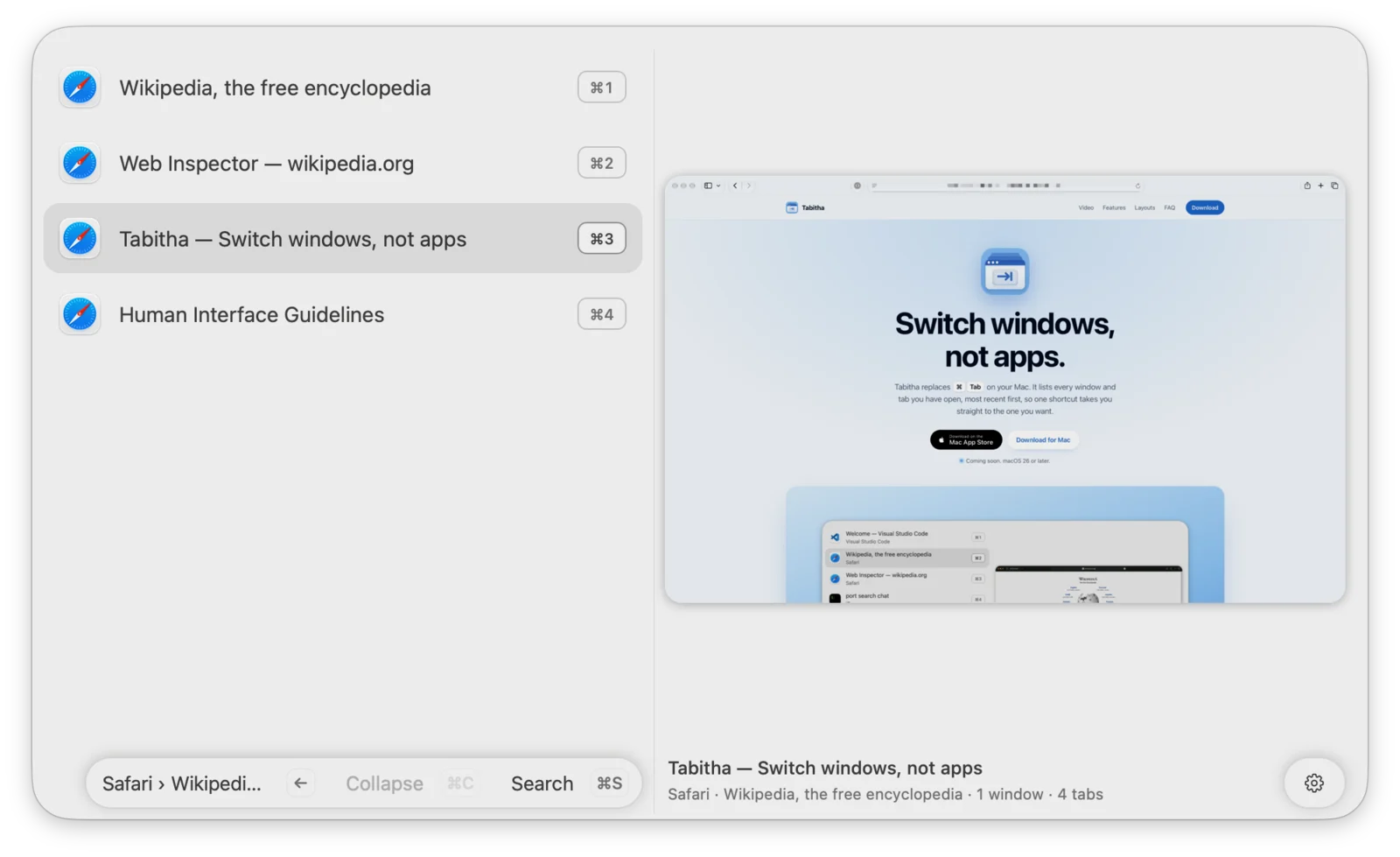
Safari and iTerm2 tabs, Finder folders, Fork repositories, and IntelliJ projects get their own rows. Press → on a window to see its tabs and pick the exact one.

Tabitha replaces ⌘Tab on your Mac. It lists every window and tab you have open, most recent first, so one shortcut takes you straight to the one you want.
Coming soon. macOS 26 or later.

In action
One job, done properly
Tabs and projects
Safari and iTerm2 tabs, Finder folders, Fork repositories, and IntelliJ projects get their own rows. Press → on a window to see its tabs and pick the exact one.
Search
Press ⌘S while the switcher is open, or set your own search shortcut. Every word you type matches window titles, tabs, and app names. Apps that are not running show up too, so you can open them from the same place.

Previews
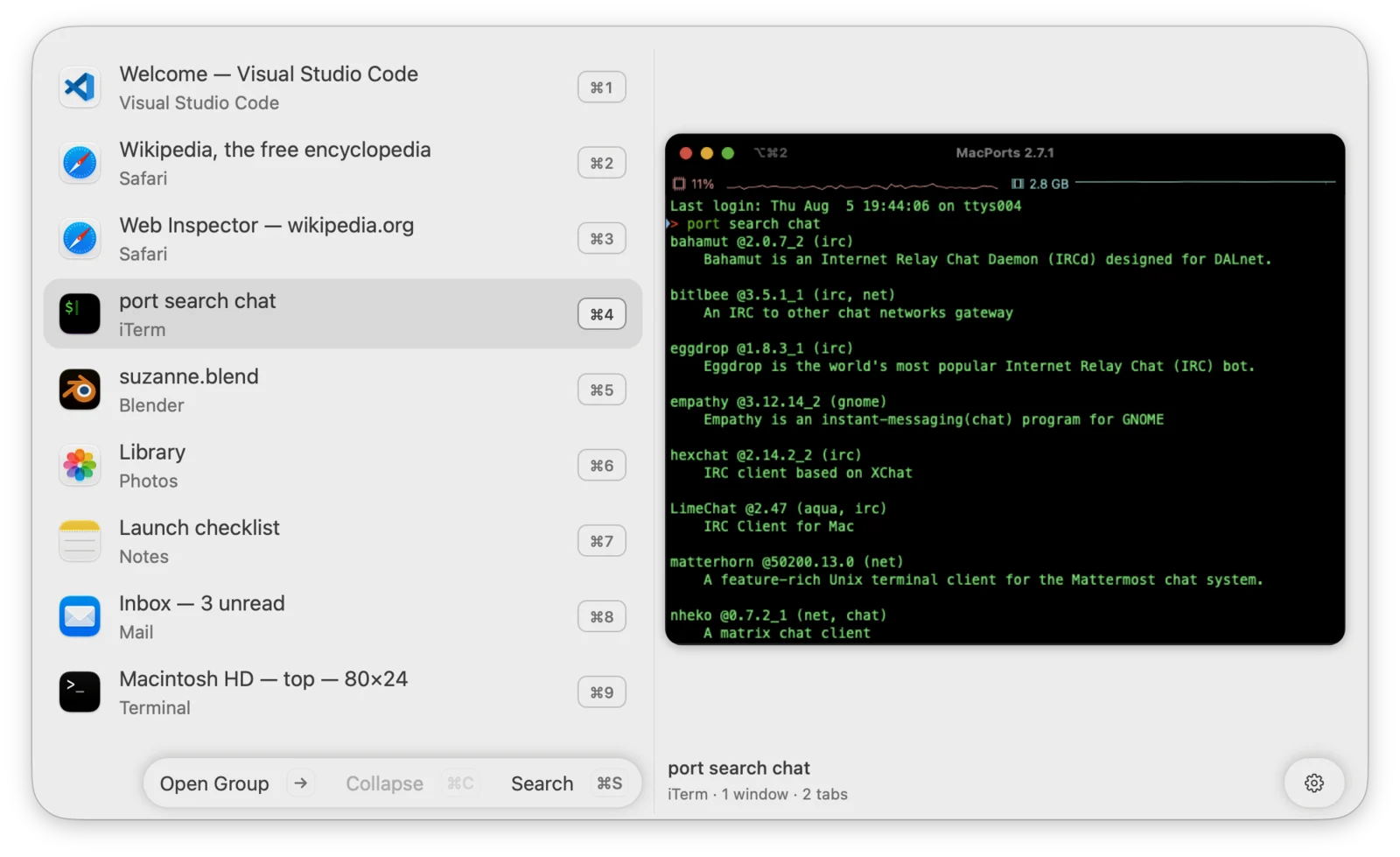
A large preview of the selected window helps when titles look alike. Tabitha captures only the window you select and shows the last preview at once, so switching never waits. Prefer a plain list? Turn previews off.

Spaces and Stage Manager
Windows on other Spaces, in Stage Manager, minimized, or hidden stay in the list, labeled with where they are. Pick one and Tabitha brings it forward, switching Spaces or restoring the window when needed.

Make it yours
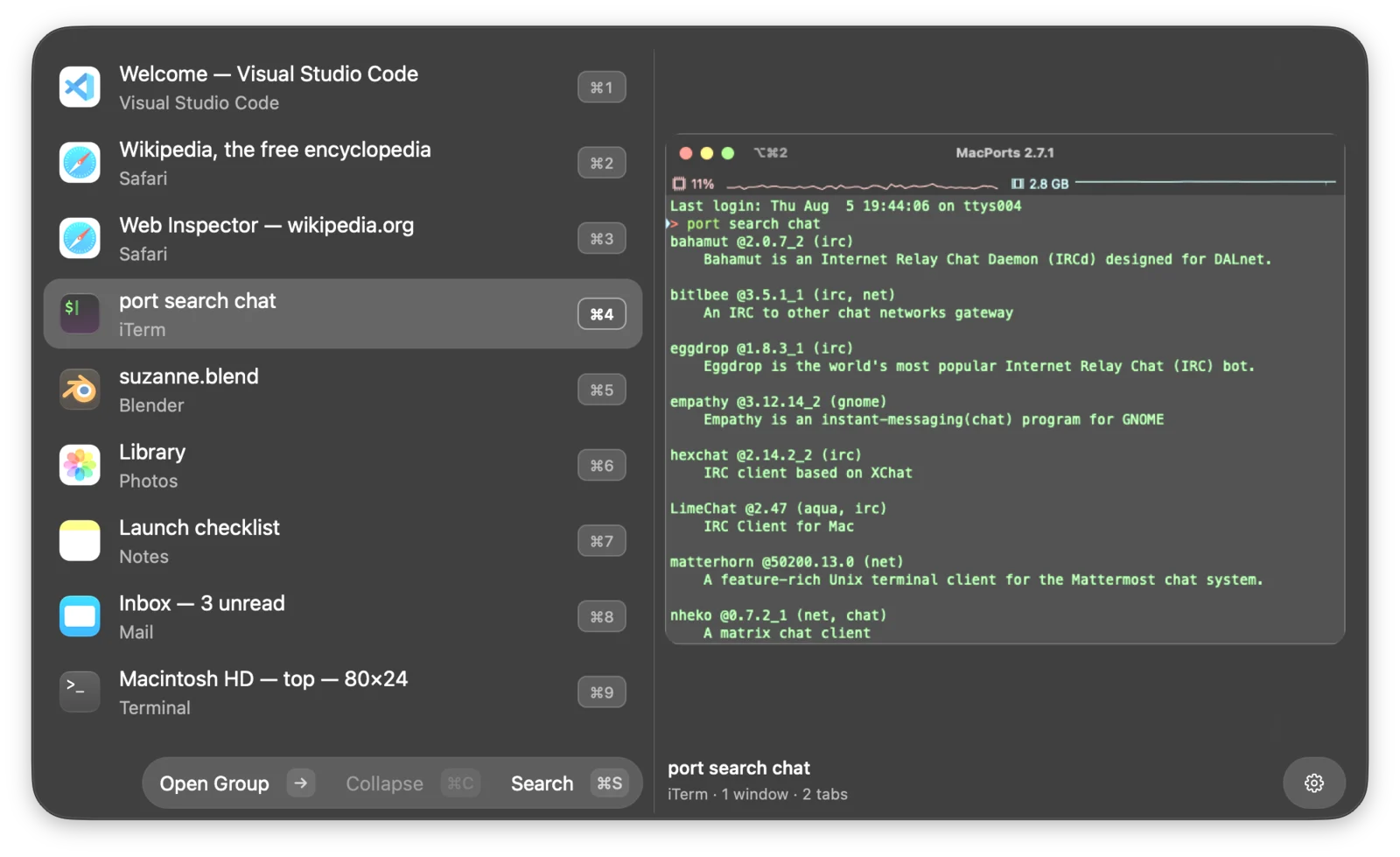
Every layout keeps the same order and the same keys. Change it any time in Settings.


The small things
Native Swift and AppKit with no runtime dependencies. It follows window events instead of polling, and captures a preview only for the window you select.
Signed Release build, MacBook Pro with M4 Pro, September 2026.
Tap the shortcut to jump back to your last window. No overlay, no wait.
Jump with ⌘1 to ⌘9, or use arrows, Return, and Escape. Mouse and trackpad work too.
Show the switcher on all displays, the focused one, the main one, or where the pointer is.
Every row is a native accessible row that reads its full context and position.

Press ⌘C to collapse an app into one row. Press → to open it. Tabitha remembers the choice.
No account, no telemetry, no network requests. Previews stay in memory on your Mac and never leave it.
Questions
Yes. Tabitha takes over ⌘Tab and ⌘⇧Tab. You can record other shortcuts in Settings, and quitting Tabitha gives ⌘Tab back to macOS.
macOS requires it to capture the shortcut, read the list of open windows and tabs, and bring the window you pick to the front.
Only for window previews. Screen Recording is optional. Without it, or with previews turned off, Tabitha shows the app icon instead and switching works the same.
No. Tabitha has no account and no telemetry, and it makes no network requests. Previews stay in memory on your Mac.
Macs with macOS 26 or later.
Tabitha is coming soon to the Mac App Store and as a direct download.